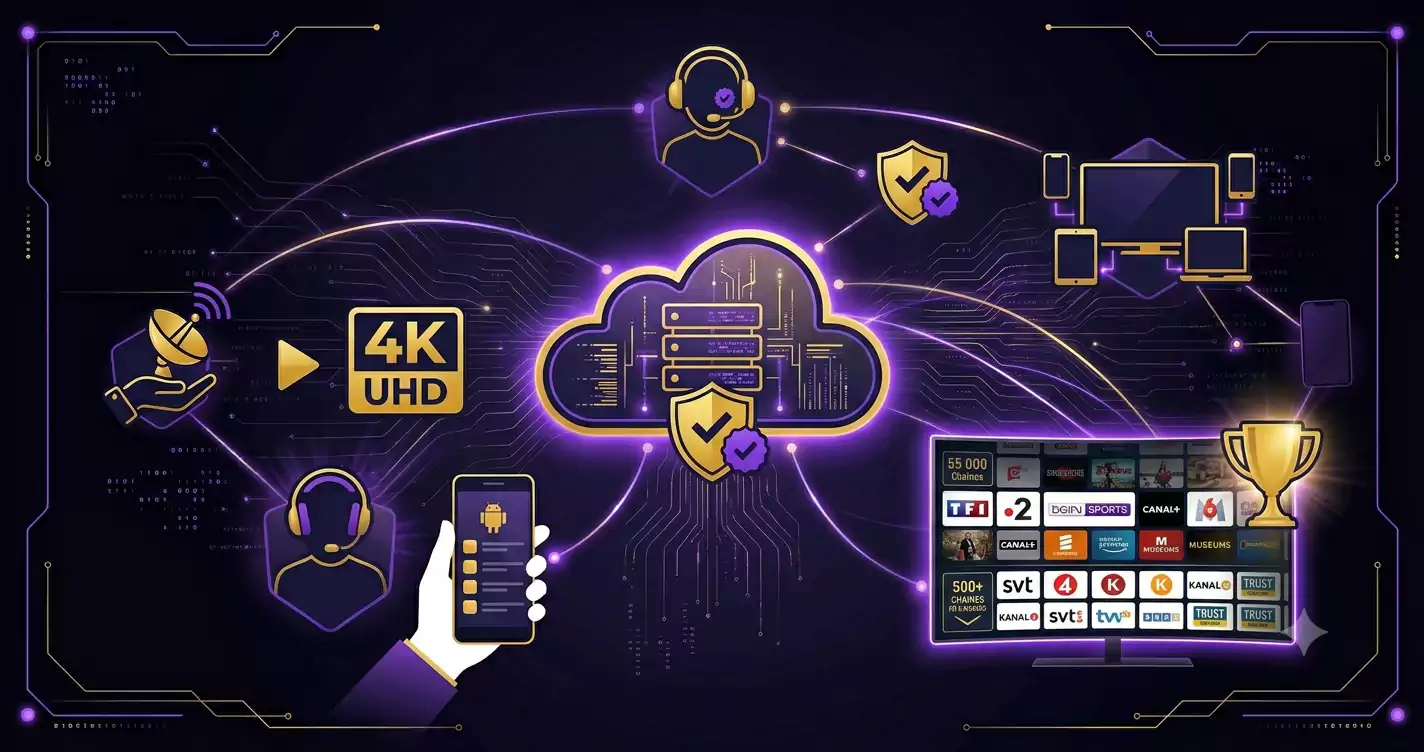
4K Ultra HD Instellen voor IPTV
Zorg dat uw TV en Firestick/Android Box op 4K Ultra HD zijn ingesteld. Controleer of uw HDMI-kabel HDMI 2.0 of hoger is. Stel de videokwaliteit in uw IPTV-app in op Auto of 4K voor de beste streamingkwaliteit.
Buffering Oplossen: Oorzaken en Oplossingen
Buffering wordt veroorzaakt door trage internetverbinding (min. 25 Mbps voor 4K), WiFi-instabiliteit of serverproblemen. Oplossingen: gebruik een ethernet-kabel, zet VPN uit, selecteer een minder belaste server of herstart uw router.
Optimale Internetsnelheid voor IPTV
HD: minimum 10 Mbps. Full HD: minimum 15 Mbps. 4K Ultra HD: minimum 25 Mbps. 8K: minimum 50 Mbps. Test uw verbinding via fast.com en upgrade indien nodig voor een buffervrijeervaring.
Beste IPTV Apps voor Nederland 2026
Samsung TV: Smart IPTV. LG TV: LG SmartIPTV. Firestick/Android: IPTV Smarters Pro of TiviMate. iPhone/iPad: GSE Smart IPTV of IPTV Smarters Pro. PC/Mac: VLC Player of IPTV Smarters.
💡 Tip: Test IPTV Climb 24 uur gratis zonder bankpas. Stuur een WhatsApp naar +34 641 060 648 en ontvang uw gratis testaccount binnen 5 minuten.
🚀 Klaar om IPTV Climb te Proberen?
55.000+ zenders in 4K. Directe activering. 7 dagen garantie.